ViewSonic IFP6541 65" 4K Interactive ViewBoard Display with Android EDLA OS

SKU: IFP6541
Free shipping on all projectors!
Add to cart for discounted pricing!
Tax-Exempt Purchasing Available in cart
Regular price $2,499.00

Frequently Asked Questions

An interactive flat panel display is a large touchscreen built for teaching, presenting, and real-time collaboration. Unlike a standard monitor, it combines a 4K display, multi-touch input, built-in software, speakers, and device connectivity in one system. Users can write, annotate, open apps, share screens, and run meetings or lessons directly on the display. The ViewSonic IFP6541 is a good example of this category. It is a 65-inch 4K interactive display with 64-point touch, Android EDLA access to Google Workspace, Microsoft 365 compatibility, USB-C one-cable connectivity, and integrated audio with an 8-microphone array. That makes it well suited for classrooms, training rooms, and meeting spaces where multiple people need to interact with content on screen. This type of display is best for schools, hybrid learning, conference rooms, and team collaboration spaces. It may be less necessary for simple digital signage or passive video playback, where a non-interactive commercial display could be enough.
The main difference is that an interactive flat panel is designed for collaboration, while a smart TV is designed mainly for viewing content. A smart TV focuses on streaming and entertainment. An interactive flat panel adds precise touch input, annotation tools, business or education software, stronger device management, and more professional connectivity options. The ViewSonic IFP6541 includes 64-point multi-touch, palm rejection for writing, USB-C with video, touch, data, networking, and up to 100W power delivery, plus Android EDLA for secure access to Google services. It also supports centralized management tools for IT teams, which is important in schools and organizations. A smart TV can work for occasional screen sharing, but it usually lacks the durability, touch response, software ecosystem, and remote administration needed for daily classroom or meeting use. If you need active teaching, whiteboarding, hybrid meetings, or multi-user collaboration, an interactive flat panel is the better fit.
The best interactive flat panel depends on the room size, software needs, and how often people will write, present, and collaborate on screen. For many classrooms and mid-size meeting rooms, a good choice is a 65-inch 4K model with responsive touch, strong audio, simple connectivity, and built-in access to common productivity tools. The ViewSonic IFP6541 fits that profile well. It offers a 65-inch 4K anti-glare display, 64-point touch, palm rejection, an octa-core processor with 8GB DDR5 memory, and Android EDLA for native Google Workspace access. It also includes Microsoft 365 access through the Google Play ecosystem, a 55W soundbar, and an 8-microphone beamforming array for hybrid communication. It is especially well suited for schools, training spaces, and professional meeting rooms that want a single display for whiteboarding, presenting, app use, and video collaboration. If your room is very large, you may want a bigger screen size. If you only need basic display functionality, a non-interactive option may be more practical.
A 65-inch interactive display is usually a strong fit for small to medium classrooms, huddle spaces, and standard conference rooms. It gives enough screen area for annotation, presentations, and shared content without overwhelming the room or requiring the larger wall space of a bigger panel. The ViewSonic IFP6541 pairs that 65-inch size with 4K resolution, which helps keep text, spreadsheets, and lesson content sharp at normal viewing distances. Its anti-glare surface also helps maintain visibility in bright rooms. For hybrid use, the built-in 55W soundbar and 8-microphone array support clearer communication without immediately requiring external audio gear. The tradeoff is viewing distance. In larger lecture spaces or boardrooms with people seated far from the screen, a larger display may be easier for everyone to see comfortably. If your room regularly serves bigger groups, comparing 75-inch or 86-inch models may make more sense. For everyday collaboration in moderate-size spaces, 65 inches is often the practical sweet spot.
The most important features are display clarity, touch performance, software compatibility, connectivity, audio quality, and device management. A good interactive flat panel should have 4K resolution for readable text, responsive multi-touch for smooth writing, and simple connection options for laptops and peripherals. The ViewSonic IFP6541 checks many of the key boxes shoppers usually compare. It has a 65-inch 4K panel, 64-point IR touch, palm rejection, anti-glare 9H-rated glass, and one-cable USB-C that carries video, touch, audio, data, networking, and up to 100W charging. It also includes Android EDLA, which matters if you want secure native access to Google Workspace and app support. Built-in microphones and a 55W soundbar help reduce the need for extra hardware. For schools and organizations, IT management is also critical. Support for centralized management platforms can make deployment and security much easier. If your use is simple display only, some of these features may be unnecessary.
Yes, the ViewSonic IFP6541 is well suited for hybrid meetings and remote learning because it combines clear audio pickup, room-filling sound, touch collaboration, and app access in one display. These are the features most people need when some participants are in the room and others are joining remotely. Its built-in 8-microphone beamforming array with noise cancellation can capture voices from up to 8 meters away, which helps remote participants hear the room more clearly. The integrated 55W soundbar with subwoofer supports stronger playback for video calls, training sessions, and lesson content. On-screen annotation and 64-point touch also make it easier to explain ideas live. The main benefit is reducing setup complexity. Teams and teachers can run collaboration apps, share content, and connect a laptop with USB-C rather than juggling multiple accessories. If your room requires a dedicated conferencing camera or advanced room control system, you may still want to add external equipment, but the display covers many core hybrid collaboration needs.
Yes, the ViewSonic IFP6541 is designed to work with both Google Workspace and Microsoft 365. Its Android EDLA certification is especially important because it provides native, secure access to Google services and the Google Play ecosystem, which many schools and organizations require. That means users can access tools such as Google Drive, Docs, Sheets, and Slides directly on the display. Microsoft 365 apps, including tools commonly used for documents, presentations, and collaboration, can also be accessed through the Google Play environment. This makes it easier to teach, present, or run meetings without depending entirely on an external computer. This setup is most useful for schools already built around Google accounts and for businesses that rely on mixed Google and Microsoft workflows. The main advantage is familiarity. Staff and students can use cloud-based tools they already know. If your organization runs specialized software that only works on a Windows PC, you may still connect a laptop for that workflow.
USB-C one-cable connectivity simplifies setup by letting one cable handle multiple functions at once. Instead of connecting separate cables for video, touch control, audio, networking, data, and laptop charging, users can often plug in a single USB-C cable and start working immediately. On the ViewSonic IFP6541, USB-C supports video, touch, audio, data, networking, and up to 100W power delivery. In practical terms, that means a teacher or presenter can connect a compatible laptop and use the interactive display, internet connection, speakers, and charging through one port. This reduces cable clutter and shortens the time it takes to start a lesson or meeting. The biggest benefit is consistency in shared rooms. People spend less time troubleshooting adapters and input switching. The tradeoff is compatibility. To get the full experience, the connected laptop must support the needed USB-C functions. In some environments, older devices may still require additional adapters or alternate connections.
The writing experience is designed to feel smooth, accurate, and natural for collaborative use. The ViewSonic IFP6541 supports 64-point multi-touch, so multiple users can write, draw, or interact on screen at the same time. That makes it useful for group problem-solving, brainstorming, classroom participation, and live annotation during presentations. A key feature is palm rejection, which helps the display ignore accidental contact from hands or sleeves while someone is writing. That reduces interruptions and makes on-screen writing feel more like using a dedicated whiteboard. The anti-glare surface also improves visibility under classroom or office lighting. This level of touch capability is most valuable for active instruction and team collaboration. If your usage is mostly slide display or video playback, you may not need advanced touch performance. But if people will regularly annotate documents, solve problems together, or present interactively, the responsiveness of the IFP6541 is one of its stronger practical advantages.
Yes, the ViewSonic IFP6541 is built with IT management and security in mind. For schools and organizations deploying multiple displays, centralized control is often just as important as image quality or touch performance. This model supports management through ViewSonic Manager and also works with enterprise tools such as Google Workspace management and Microsoft Intune. That allows IT teams to manage devices remotely, apply policies, monitor status, and maintain more consistent security across locations. Android EDLA also adds value because it includes Google-backed security features and helps support secure access to approved apps and services. This makes the display a strong fit for environments where devices are shared by many users and need to be controlled at scale, such as school districts, universities, training centers, and multi-office businesses. Smaller organizations may not use every management feature, but they still benefit from having a platform that is easier to standardize, update, and secure over time.

The ViewSonic IFP6541 65-inch 4K ViewBoard interactive display is engineered for dynamic classrooms and professional meeting spaces. Featuring an octa-core CPU and 8GB DDR5 memory, it ensures seamless multitasking and fluid performance for diverse applications. The integrated 55W soundbar and 8-microphone beamforming array deliver exceptional audio clarity, while the intuitive USB-C connectivity simplifies setup by handling power, data, and video with a single cable. Built with Android EDLA certification, it provides native access to Google Workspace and Microsoft 365, streamlining collaboration and productivity. The 64-point multi-touch display includes advanced palm rejection technology for a natural, precise writing experience that feels distraction-free. Designed for sustainability, it incorporates energy-efficient PIR sensors and is EPEAT Silver and ENERGY STAR 8.0 certified. This display offers robust IT management tools, enabling secure, centralized control for schools and corporate environments. With durable 9H-rated glass and flexible mounting options, it is a future-ready solution for modern collaborative needs.

Screen Size 65 inch
Resolution 3840 x 2160
Panel Surface Anti-glare, 9H Pencil hardness
OS ViewBoard OS EDLA
CPU Rockchip RK3576
Memory 8GB LPDDR
Storage 128GB eMMC
Touch Technology IR Recognition
Audio 55W Soundbar with 8-microphone array
VESA Mount 600 x 400 mm


Product Overview

The ViewSonic® ViewBoard® IFP6541 interactive display delivers the right balance of features, performance, and value for today’s classrooms and meeting spaces. This 65-inch touchscreen is designed to feel premium and intuitive, making it easy for educators and teams to get up and running with minimal setup. Powered by the latest Android™ platform with EDLA certification, it provides secure, built-in access to Google Workspace, Microsoft 365, and familiar apps. Everything works right away, so users can focus on sharing ideas instead of troubleshooting technology.

One-cable USB-C simplifies connectivity, while powerful built-in audio ensures everyone can hear and be heard. Energy-efficient features help reduce power consumption over time, making the IFP5541 a smart, future-ready choice that’s easy to deploy, easy to use, and easy on budgets.

SMOOTH MULTITASKING WITHOUT LAG OR DELAYS

An upgraded octa-core CPU paired with high-bandwidth DDR5 memory delivers faster load times and stable performance. Easily run apps, switch inputs, and play multimedia content without slowdowns, so lessons and meetings stay on track and interruption free.
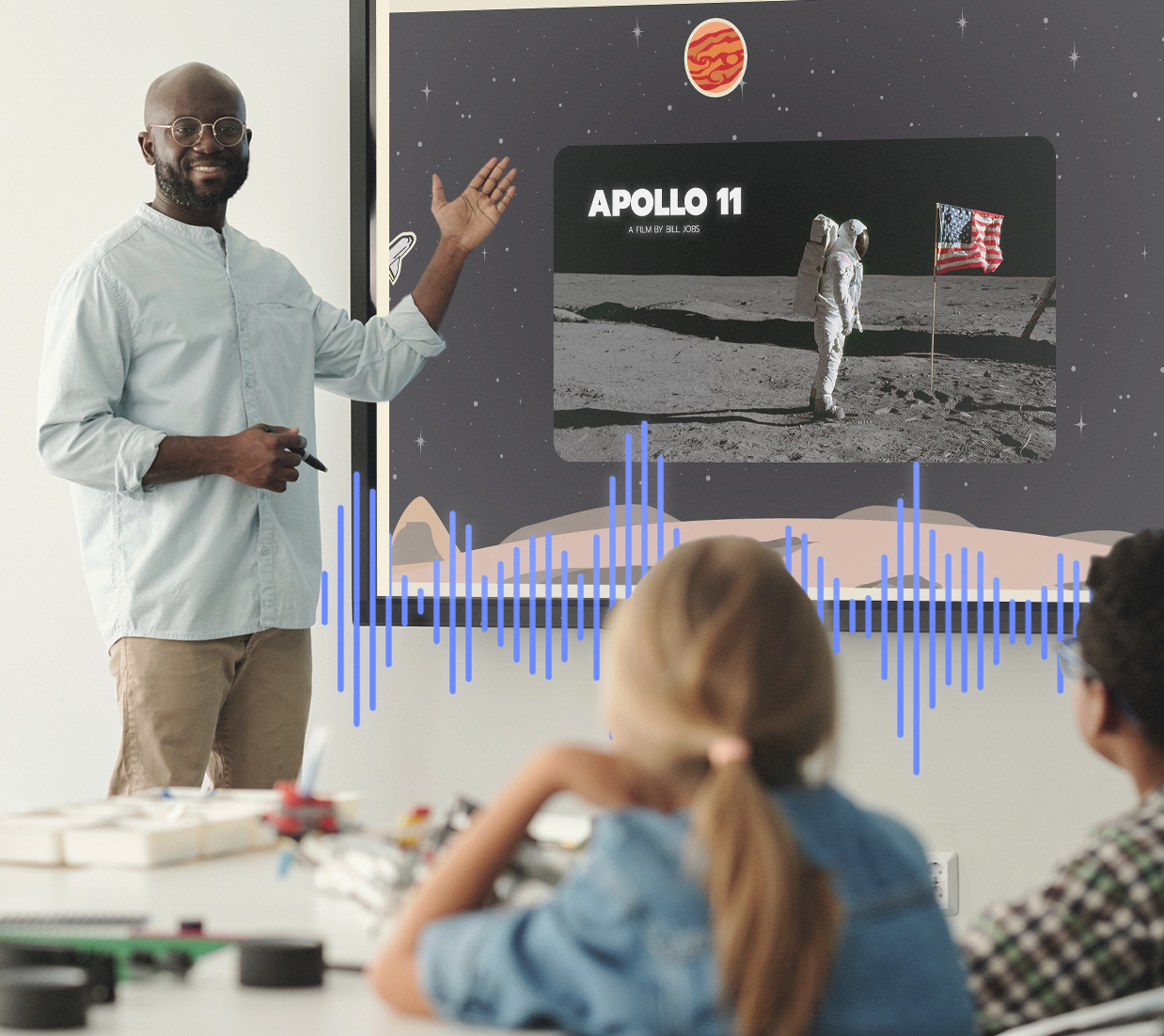
IMMERSIVE AUDIO FOR MAXIMUM ENGAGEMENT

A front-facing 55W soundbar with an integrated subwoofer delivers clear, room-filling sound. The built-in 8-microphone beamforming array with noise cancellation captures voices from up to 8 meters away, making it ideal for hybrid meetings, remote learning, and content recording.
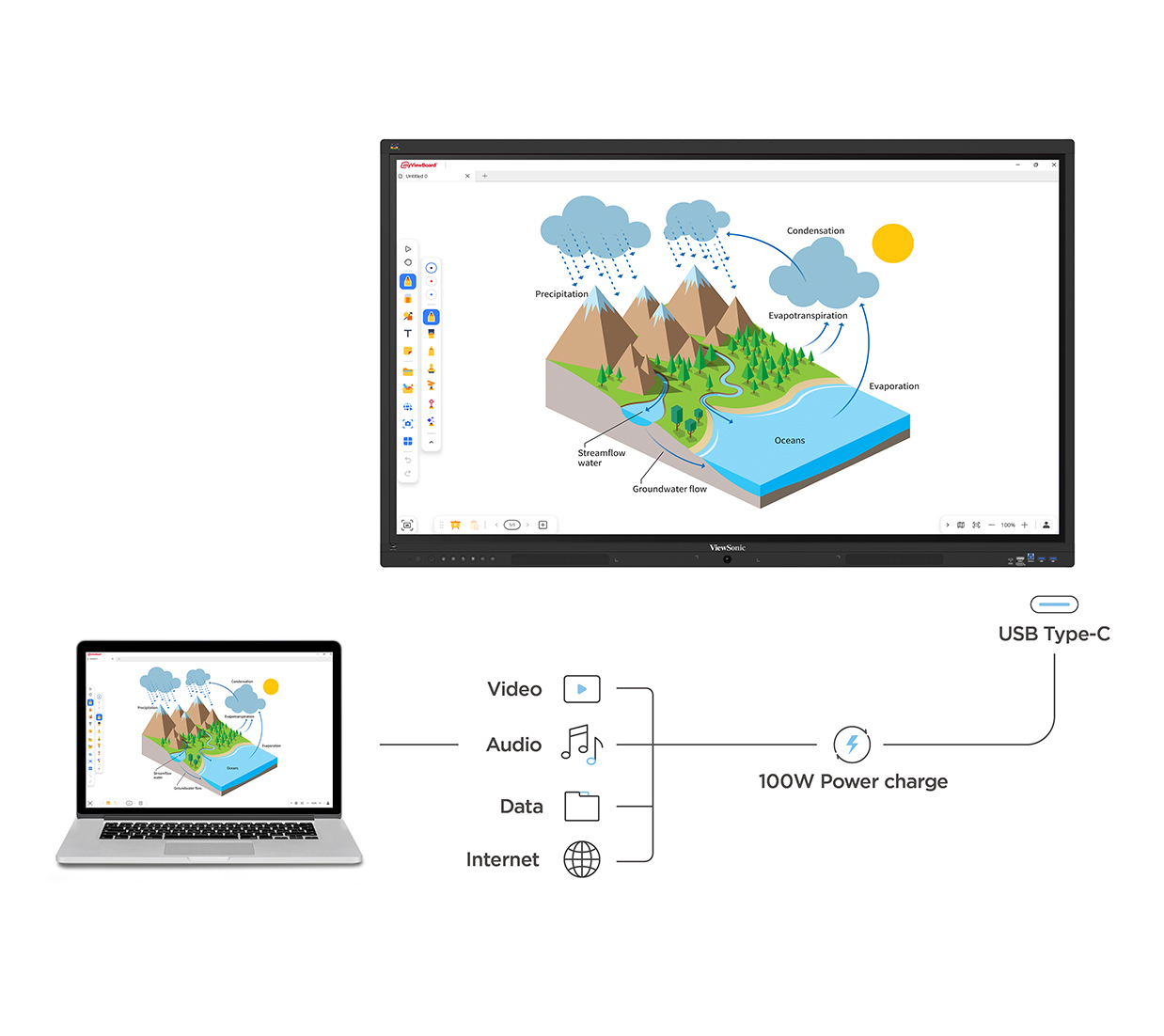
ONE-CABLE USB-C SIMPLICITY

Simplify setup with a single USB-C cable that handles video, touch, audio, data, networking, and up to 100W power delivery. Connect a laptop once and get straight to presenting, collaborating, or teaching without extra adapters or cable clutter.
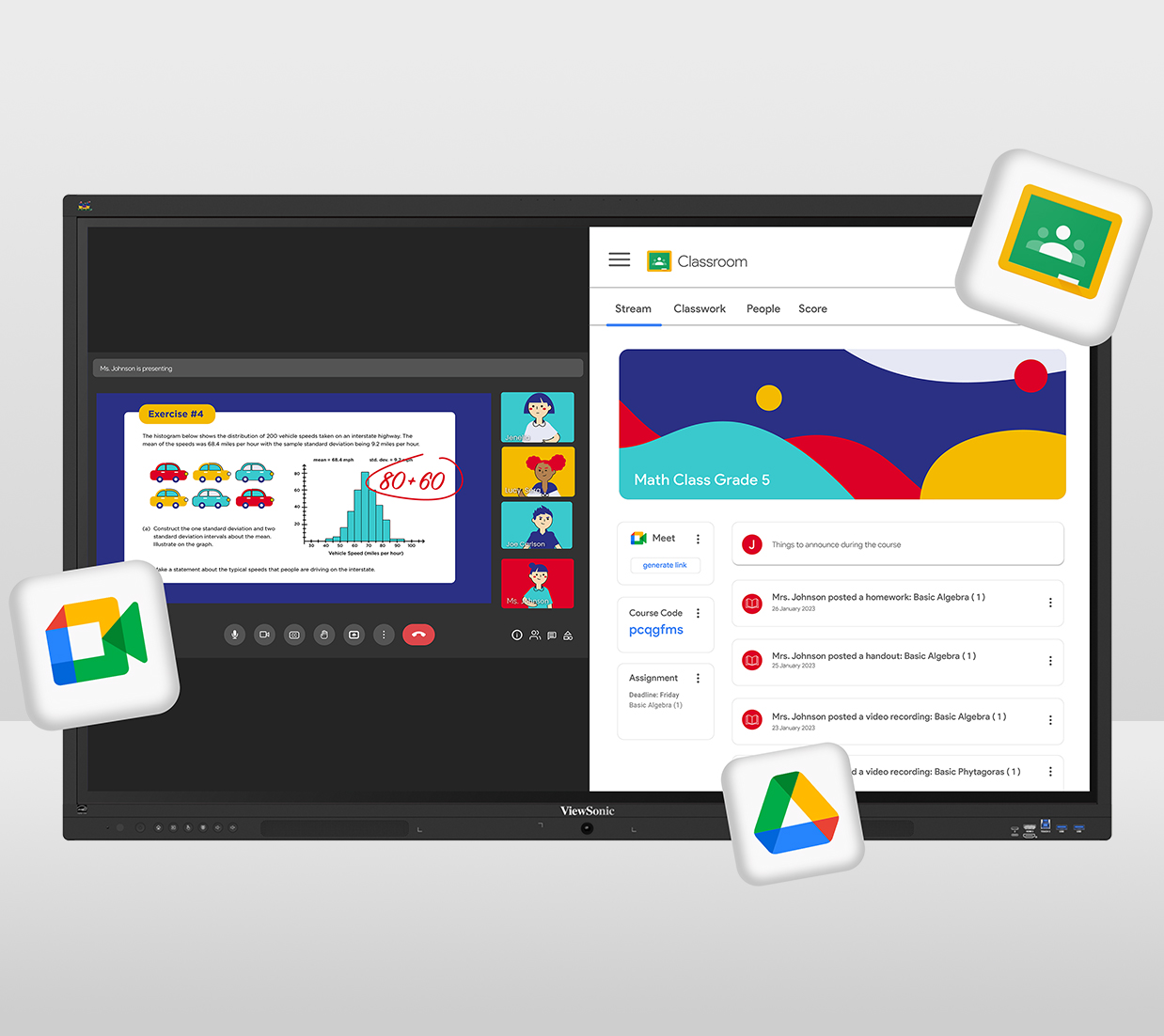
NATIVE ACCESS TO THE GOOGLE EDUCATION ECOSYSTEM

Educators can enhance lesson plans with direct access to hundreds of educational apps from the Google Play Store. Teachers can collaborate using Google Drive, Google Docs, Google Sheets, and Google Slides, while also accessing the full Microsoft 365 suite (including Word, PowerPoint, Teams, and more) via the Google Play Store.
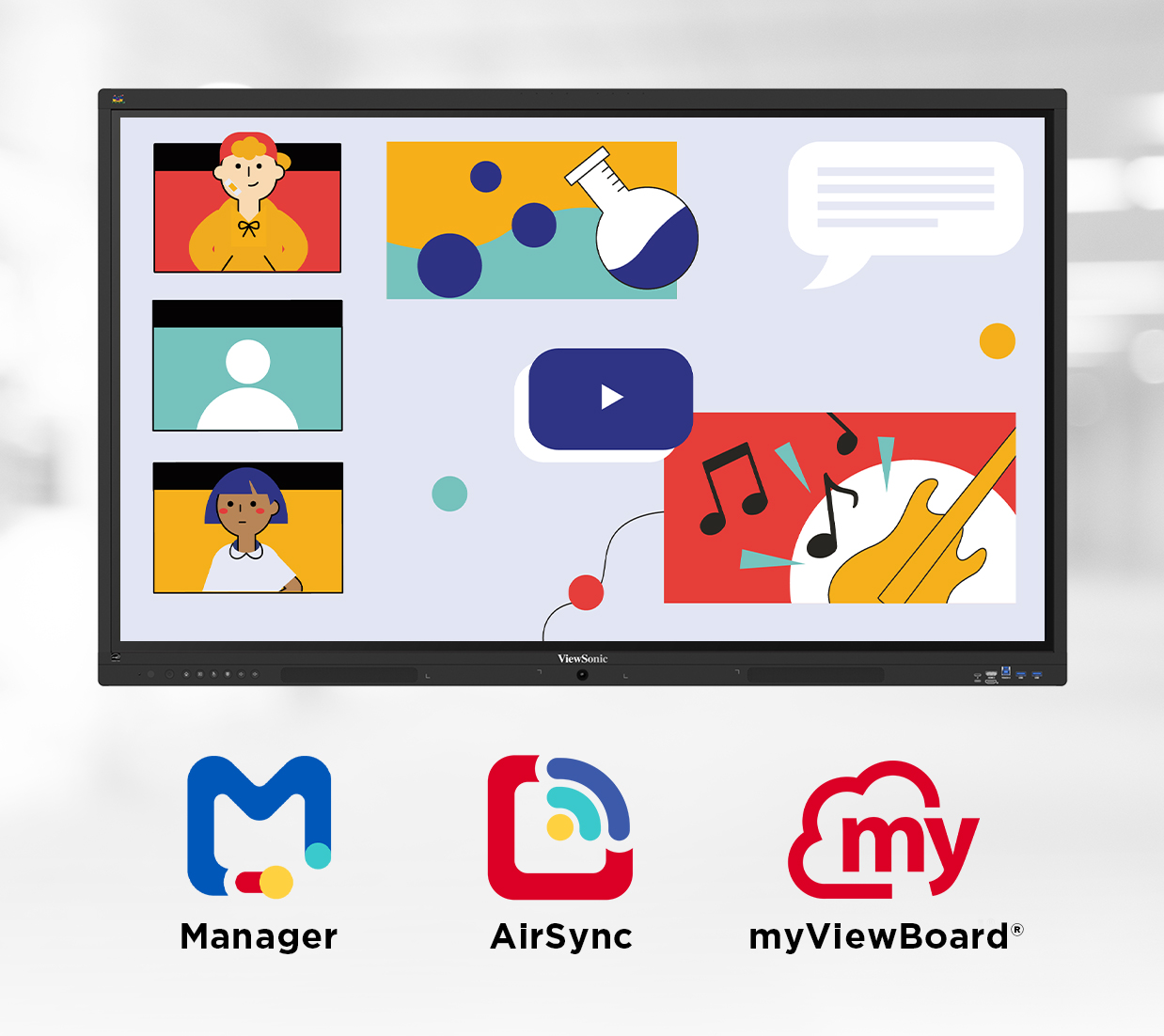
ENGAGING LESSONS WITH VIEWSONIC® EDUCATION SOFTWARE

These displays include myViewBoard®, AirSync™, and Manager™ and other ViewSonic® education software tools at no extra cost. These tools support real-time quizzes, screen sharing, annotation, and remote participation, helping bring ideas and lessons to life while keeping everyone connected and engaged.
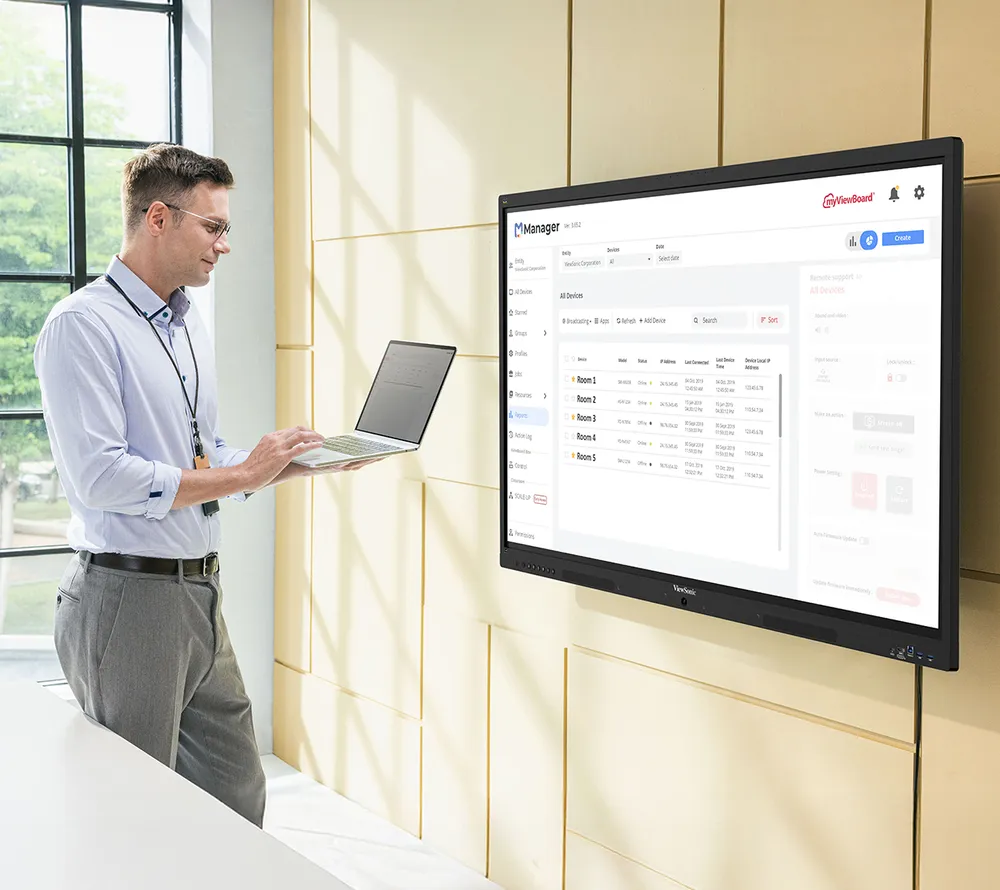
OPTIMIZED FOR IT MANAGEMENT

Streamline deployment and control with support for ViewSonic Manager, Google Workspace Enterprise Management, and Microsoft Intune. IT teams can easily enforce policies, manage devices remotely, and maintain secure networks across multiple locations.
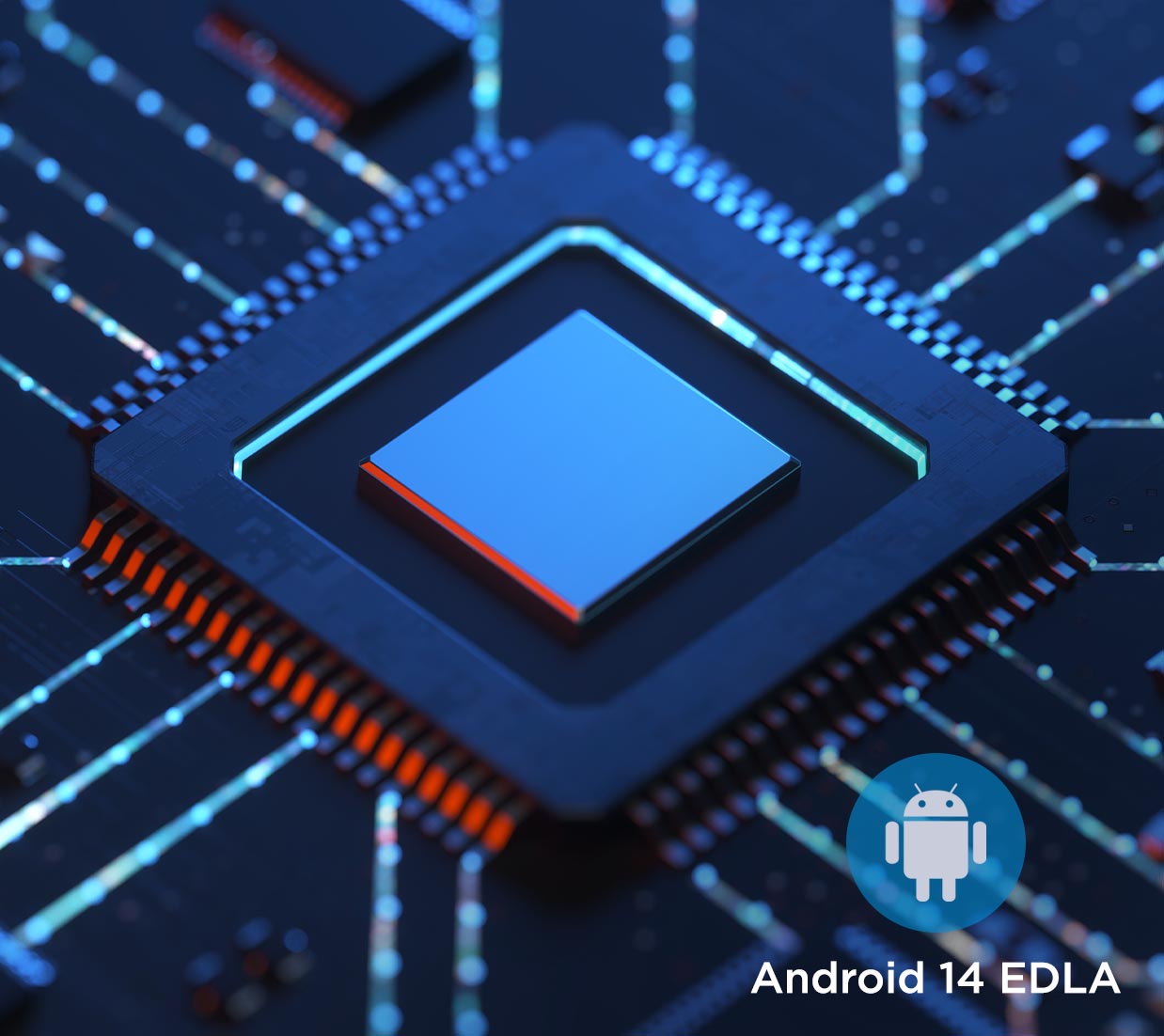
SECURE BY DESIGN WITH ANDROID EDLA

Stay protected with built-in Google security, data encryption, and easy management tools that help protect your network and devices.
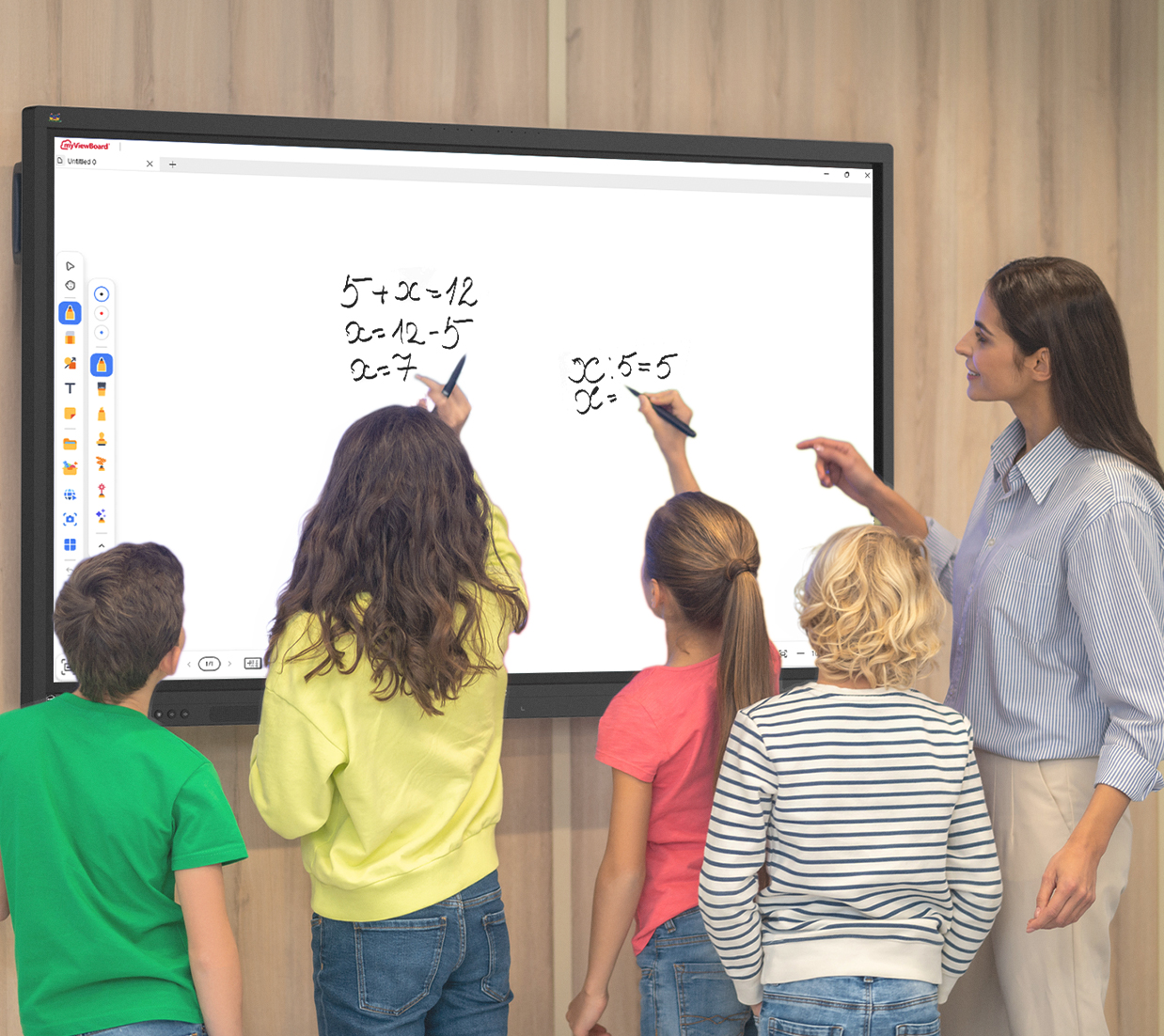
RESPONSIVE WRITING EXPERIENCE

The 64-point multi-touch display lets multiple users write or draw at the same time using styluses, fingers, or both. Built-in palm rejection ignores accidental touches from hands or sleeves, delivering smooth, accurate writing that feels natural and distraction free.

ECO-FRIENDLY & ENERGY EFFICIENT

Save on energy costs without lifting a finger. Smart PIR and ambient light sensors allow the display to wake instantly when you're nearby and power down when you're not. Plus, with EPEAT Silver and ENERGY STAR 8.0 certifications, you can be confident your tech meets the highest standards of sustainability.

Customer reviews

Poor
Good

Max 4096 symbols

Accepts .jpg, .png and .webp (10Mb max size)

Be the first to write a review

No reviews yet

No reviews match the selected filter.